


We are working on updating this review to give you the best information regarding Host Tools. Click on the button below to go to the website and check if this Tool fits the needs of your STR business

Host Tools Overview
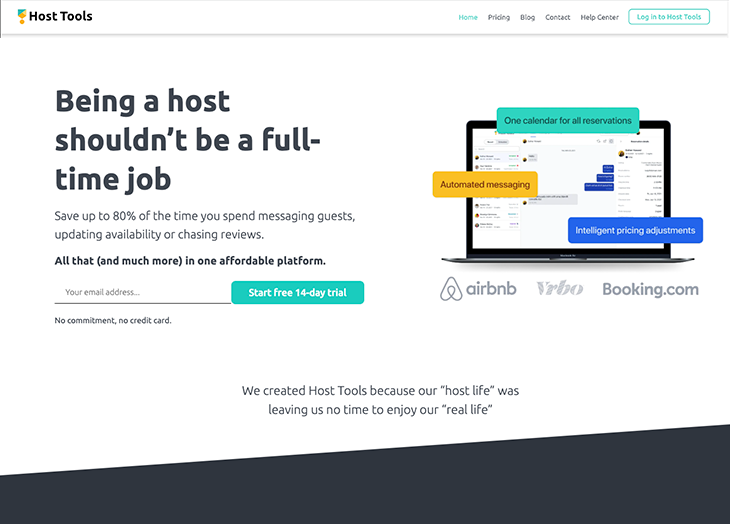
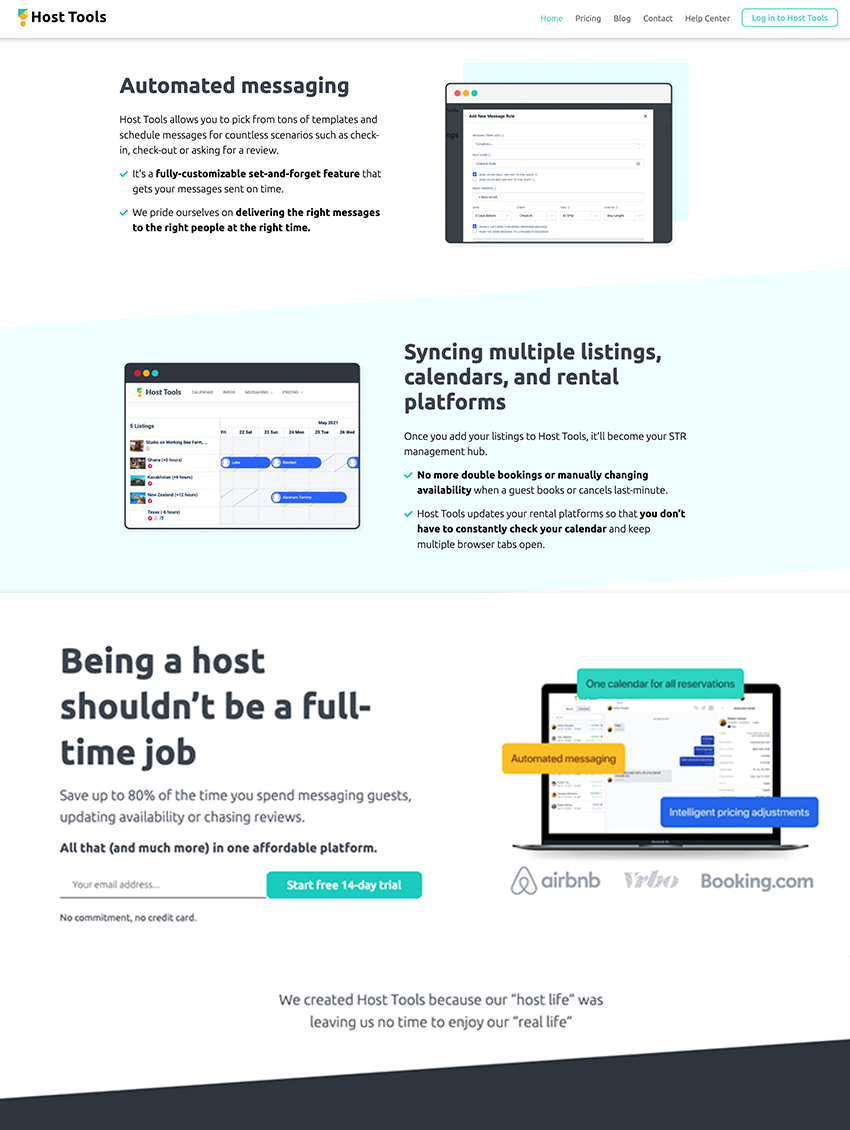
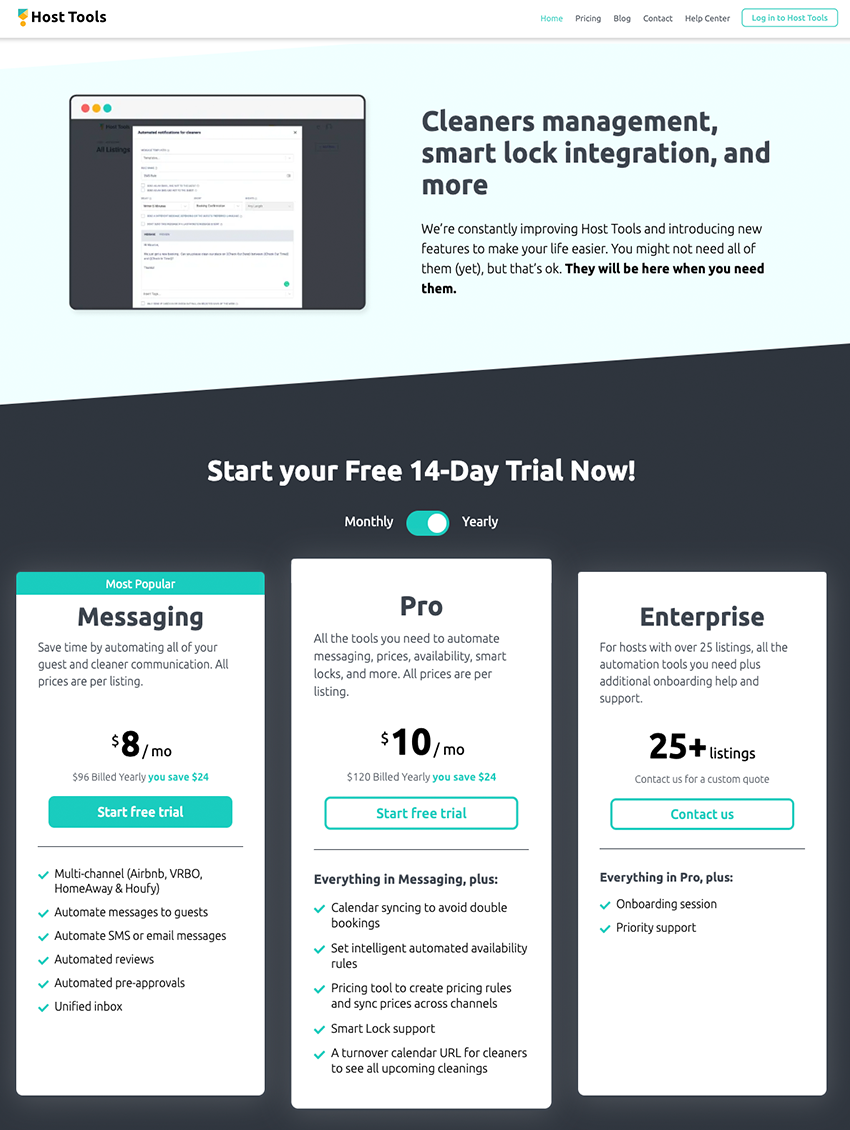
Host Tools is a cloud-based vacation rental platform, which assists property managers with messaging and price setting for online listings. Key features include predefined templates, review management, automated reminders and booking management. Users can integrate the application with Airbnb listings, and send automated messages to guests via multiple channels. It enables hosts to send notifications and reminders to guests for review completion before the expiry of the review period. Property managers can maintain a calendar to manage bookings, and email or text cleaning staff to monitor maintenance tasks. Further, the rules-based engine automatically adjusts prices based on seasonal demand and booking trends. Host Tools allows users to manage multiple listings from a centralized dashboard, enabling visibility into booking status and guest communication. It is available on a monthly subscription, with support provided via live chat and other online measures.

Get Paid for your Pad
Host Tools Review
As a short-term rental host, you spend a lot of time replying to your guests and managing your team. It can be a lot of work. All that time you're spending working in the business is time you could be spending growing it. You know I'm all about automating my Airbnb business, so I was excited to see I could automate my pricing, messaging and bookings with Host Tools. I had a ton of time to focus on scaling my operation after I set everything up.
Once you free up your time with automation tools, you'll be able to spend your time where it's needed most. I was able to focus on networking, finding new units, and building a strategy to increase bookings for all of my vacation rentals.
Don't worry, it's not complicated to set up something like Host Tools. You'll be amazed by all the cool things it can do, and most of all you'll have your time back.
The day after I started automated my messaging and listings, I saw a dramatic increase in bookings. It was amazing to see how many more reviews I got, and how happy my guests seemed by my attentiveness. I would never have guessed a tool like this could change the game so much.
I know it's hard when you're starting out as a small Airbnb host. That's why I want to share with you how to easily set up and use Host Tools – for free!
How to Setup Host Tools
If you need a tool that can save you a huge amount of time and money by optimizing your entire rental business, this Host Tools review is the right place for you.
Up first I'll be covering how to set up the Channel Manager. This is the first thing you have to do when setting up your Host Tools account. Adding your Airbnb and Vrbo accounts will make Host Tools your “parent calendar”, and each calendar or platform that you important into Host Tools is called a “child calendar”.
Here's what your listing will look like from your Host Tools Channel Manager settings.
Tools Channel Manager settings

If you're going to be adding more than Airbnb and Vrbo, you can also add those listings from areas like iCal or booking.com. Host Tools can even integrate with your own personal website. It's a very versatile platform that really makes a lot of sense if you're starting to automate your business.
After you've synced your calendars you are ready to view them. The cool things about Host Tools is that no matter how many calendars or platforms you have integrated, everything is in one place. This takes away a lot of confusion that can be caused by using multiple platforms.
Here's a look at the calendar with various platforms:

As
As you can see from the example, Host Tools lets you know where each listing is coming from. Many of these listings are from Airbnb, but at least you can see that Host Tools will give you a clear view of where your bookings are coming from, who is staying, and for how long.
Next up is my favorite feature of Host Tools, the ability to send automated messages.
Host Tools Automated Messaging
Setting up automated messaging with Host Tools only takes two steps. Create the message rule and add tags. It's really that easy.
Host Tools offers a variety of templates to choose from, or you can create your own custom message. You'll be able to give your rule a specific name so it's easy to find and identify. For example, if you want to set up a message to check in on your guests, you could create a message rule called ‘Check-Up Rule' that gets triggered 1 day after check-in. As you can imagine, you can get very detailed with these messaging rules if you want.

I want to automate my messages!
Host Tools Smart Pricing
Do you ever wonder if you're missing out on extra cash by using dynamic pricing? You might be. Host Tools gives you control of your pricing by letting you set the limits and create the rules. I love the Host Tools smart pricing tool, it allows me to create stackable pricing rules that work to get my place booked at the best rate!
If you're new to pricing there are templates to choose from and a more advanced setting option for those that want to get really into the pricing rules.

All you need to do to see your pricing rules or update them is click on the pricing calendar. From here you can make edits and get a clear breakdown of what is going on.
And there you have it. An all-in-one automation tool that brings your platforms together.
We just talked about pricing…so how much does Host Tools cost?
Sign up for the FREE 30-day trial and pay only $5 a month per listing after that.
Ready to optimize your short term rental business?
Get Host Tools free, Sign up now!
__________
Related Post: Beyond Pricing Review & Tutorial: Dynamic Airbnb Pricing
Host Tools Review
-
Integrations
-
Pricing
-
Features
-
User interface
-
Customer Support